SM Savemore — Basco
- Device ID
- KIT-AX-001156
- Technician
- A. Bautista
- Install date
- 2026-05-10
- Contact
- Ms. Garcia
Remote retail site, POS + CCTV traffic.
- Step 0Site survey—
- Step 1Installation proper—
- Step 2Network testing & validation—
- Step 3Video walkthrough—
- DocsDocuments—
Proposed antenna and access-point locations
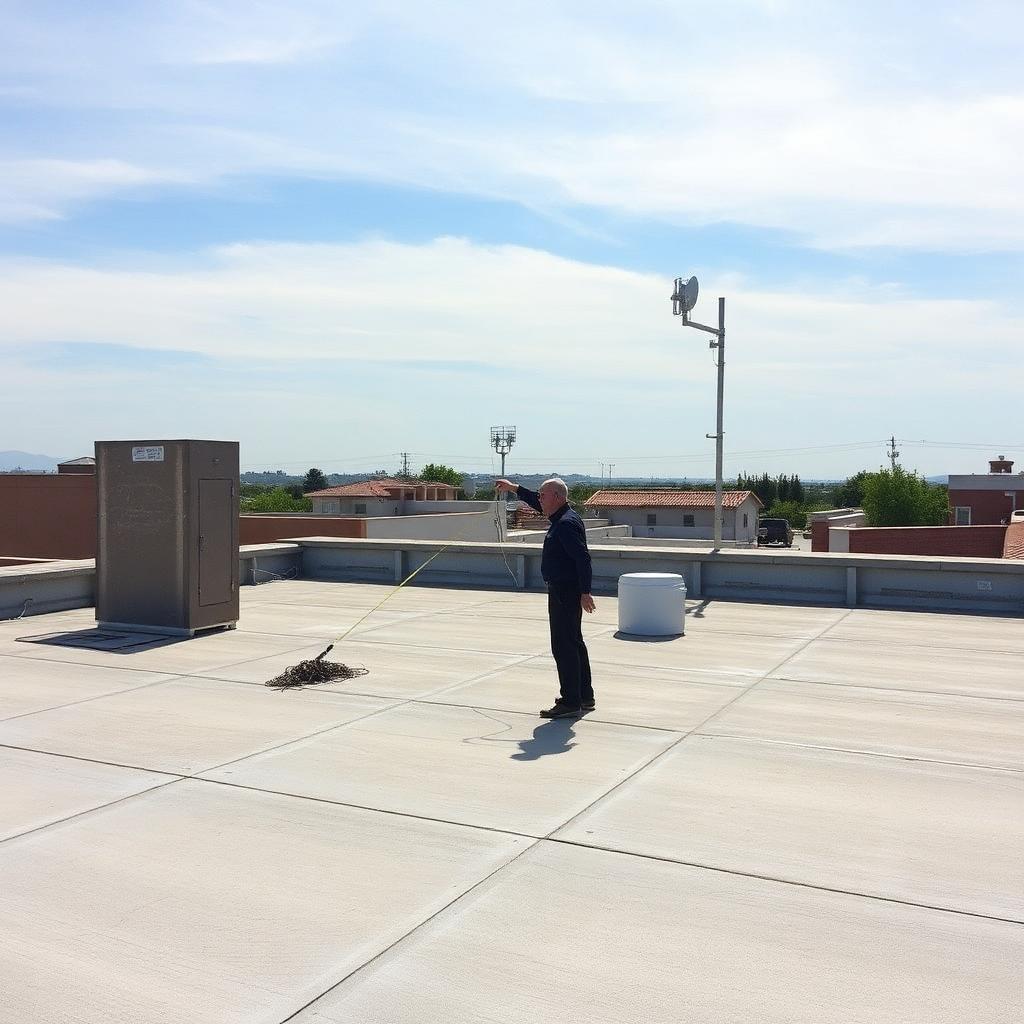
Sample guidance · Photograph the proposed antenna mounting point with clear sky-view, the AP locations inside the building, and the cable path. Include a wide shot of the room/roof.
Wide rooftop shot with proposed mount point and clear sky-view.
Pick "Site survey" in the upload form above to add evidence for this step.
Mounted hardware, cabling, grounding, power
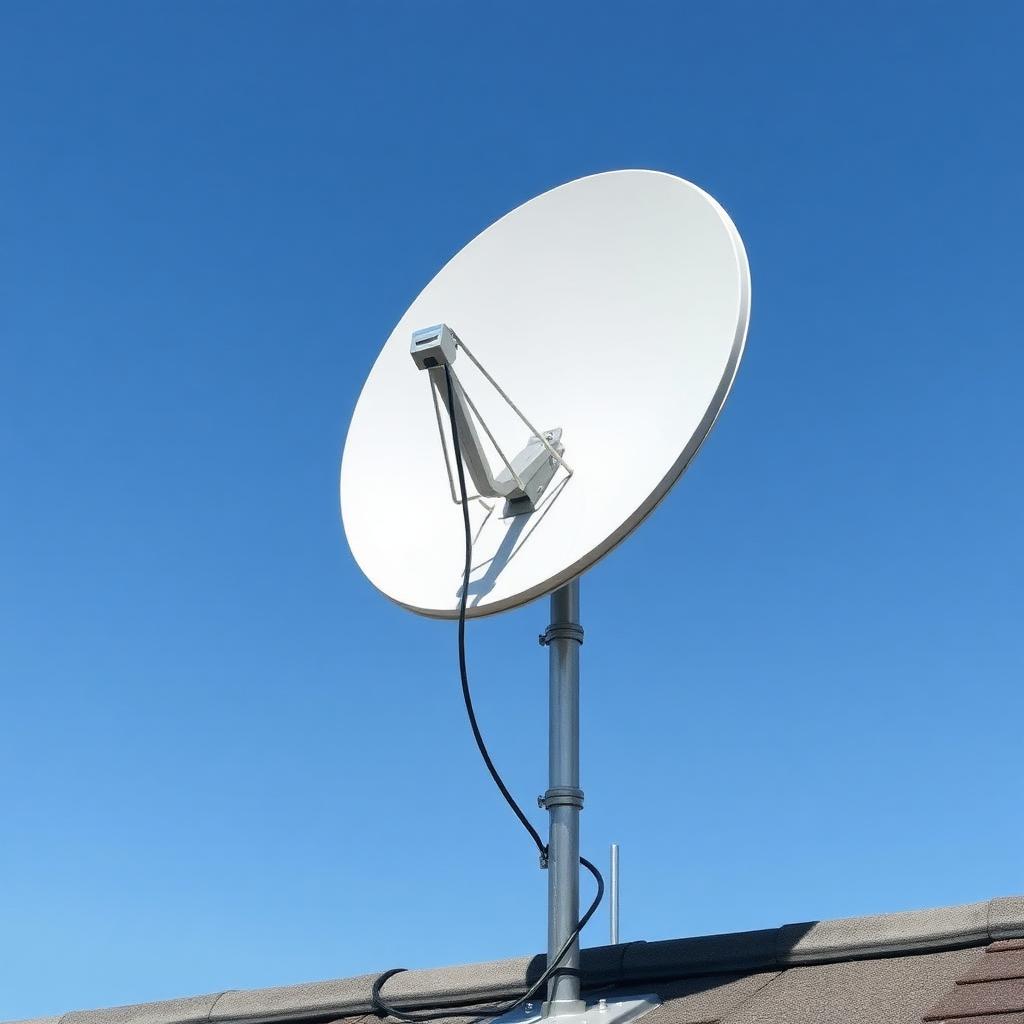
Sample guidance · Show the installed antenna, the mounting hardware, cable routing through the wall, grounding, and the power source / UPS. One photo per element is fine.
Mounted antenna with neat cable routing and grounding visible.
Pick "Installation proper" in the upload form above to add evidence for this step.
Speed test screenshots, signal stats
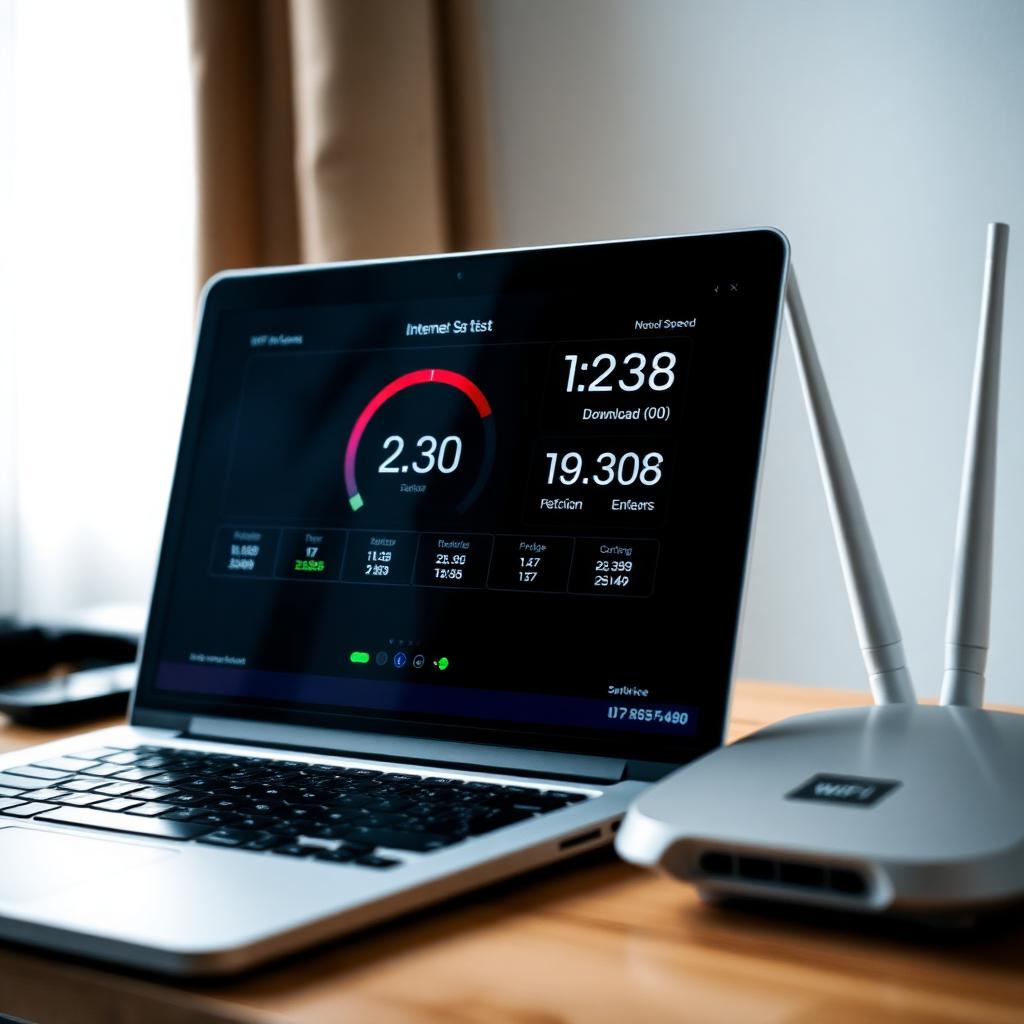
Sample guidance · Upload speed-test results (download/upload/latency), the Starlink app stats screen, and any packet-loss or uptime evidence. These should match the SLA fields recorded on this site.
Speed test result showing download, upload, and latency.
Pick "Network testing & validation" in the upload form above to add evidence for this step.
Short video of the working installation
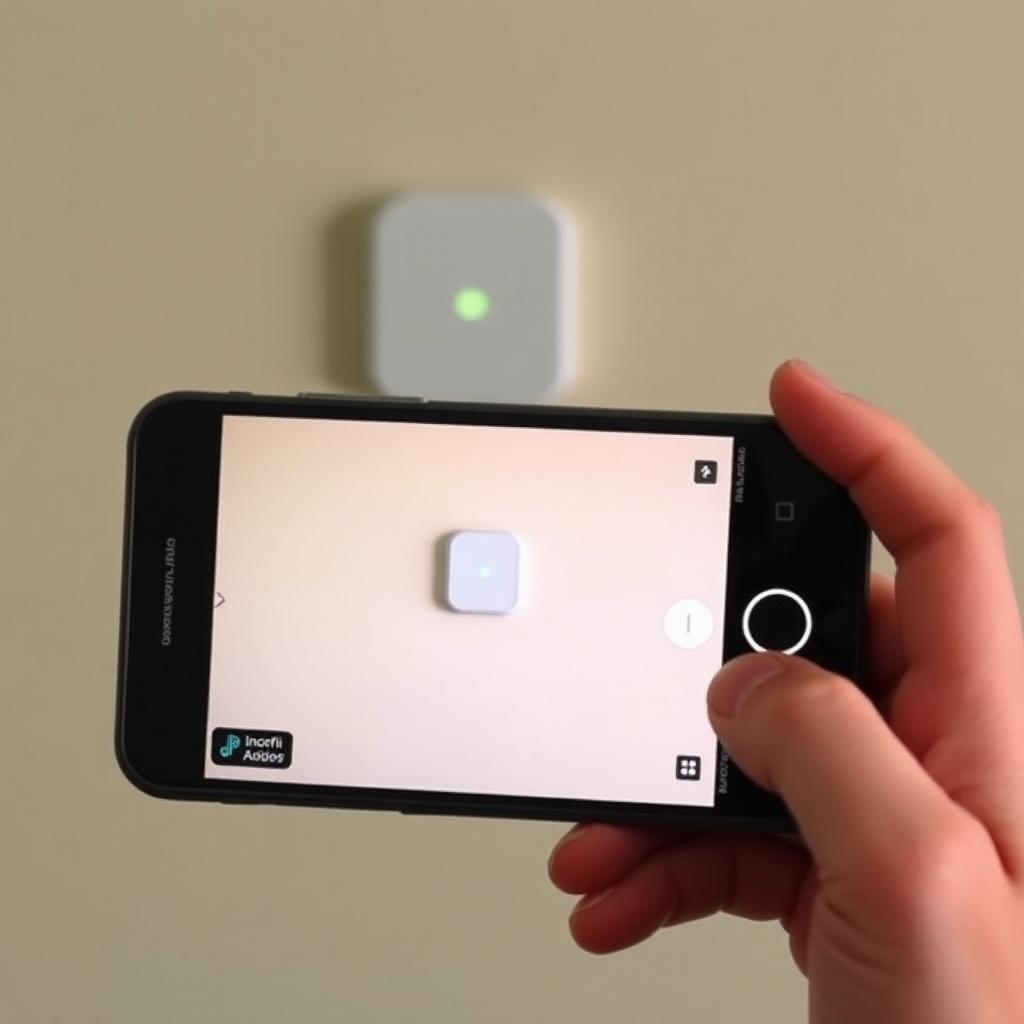
Sample guidance · A 30–60 s walkthrough showing the antenna, the AP, and a working device. If the file is too large, upload a poster frame here and paste the Google Drive link in the notes.
Short walkthrough video of the live AP and a connected device.
Pick "Video walkthrough" in the upload form above to add evidence for this step.
Endorsement letter, signed endorsement, NMS report

Sample guidance · Attach the signed endorsement letter, any acceptance forms, and the NMS report. The documentation team reviews these after QA clears the photo evidence.
Signed endorsement letter and acceptance forms.
Pick "Documents" in the upload form above to add evidence for this step.
| Metric | Target | Measured | Result |
|---|---|---|---|
| Download | ≥ 75 Mbps | 88.1 Mbps | [PASS] |
| Upload | ≥ 15 Mbps | 17.9 Mbps | [PASS] |
| Latency | ≤ 70 ms | 58 ms | [PASS] |
| Uptime | ≥ 99.5% | 99.85% | [PASS] |
| Packet loss | ≤ 1% | 0.4% | [PASS] |
| Signal quality | ≥ Good | Excellent | [PASS] |
Internal QA and client decisions will appear here as the site moves through sign-off.